programming
programmingText
 PHOENIXDIAGFLASH EDITOR PLUS
BUILT FOR THE VOLVO GROUP
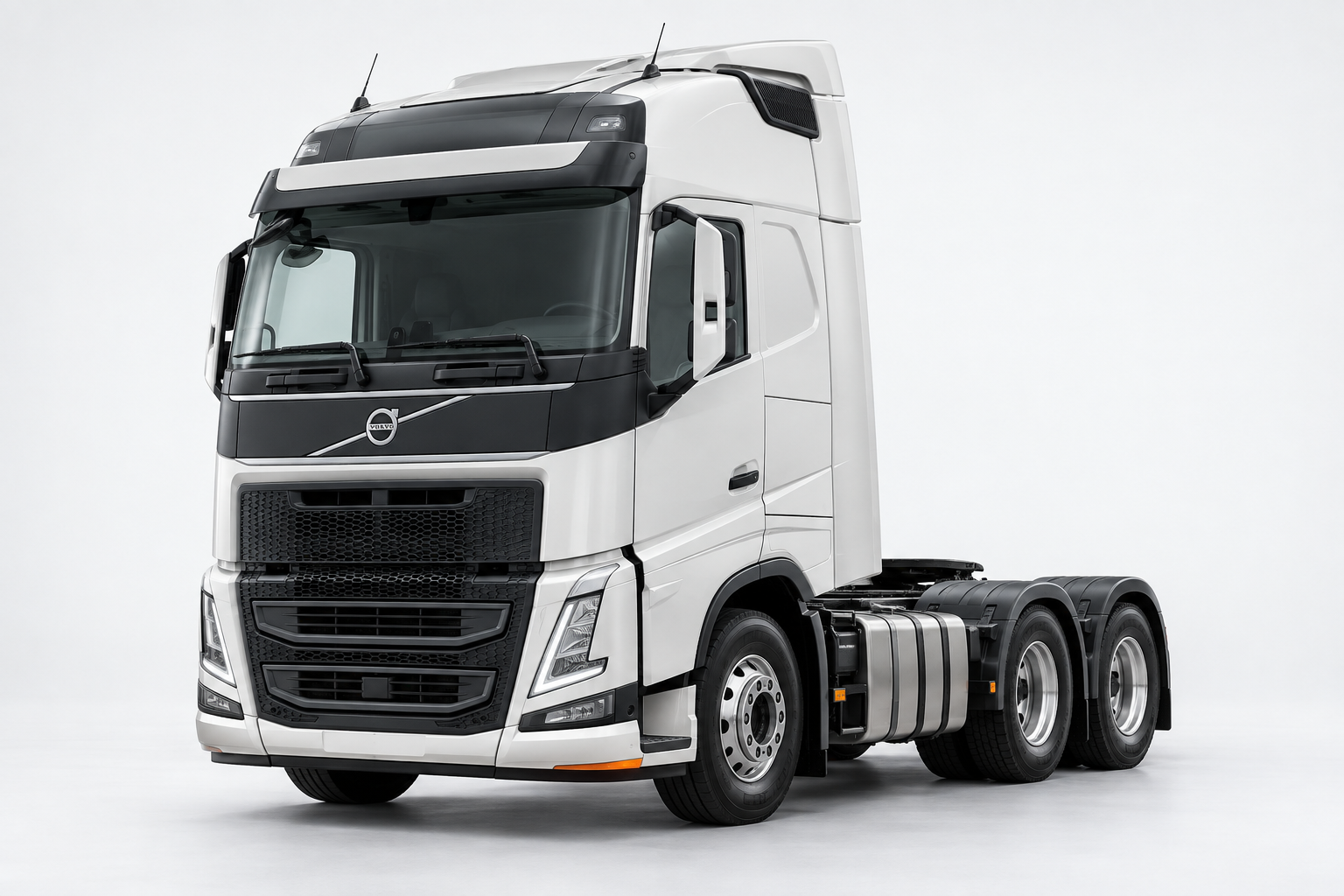
ECU software updates and parameter programming for Volvo, Renault Trucks, Mack, UD Trucks and Volvo Construction Equipment. Built for V2, V3 and V4 electrical architectures.
FLASH EDITOR PLUS · BENCH
Read and write the 4 MB file of EMS 2.3 or the 8 MB file of EMS 2.4. Easy CAN connection with only 4 wires on the bench.
Contact us for supported ECUs, connection requirements and access details.
▶ Bench help videoAsk about Bench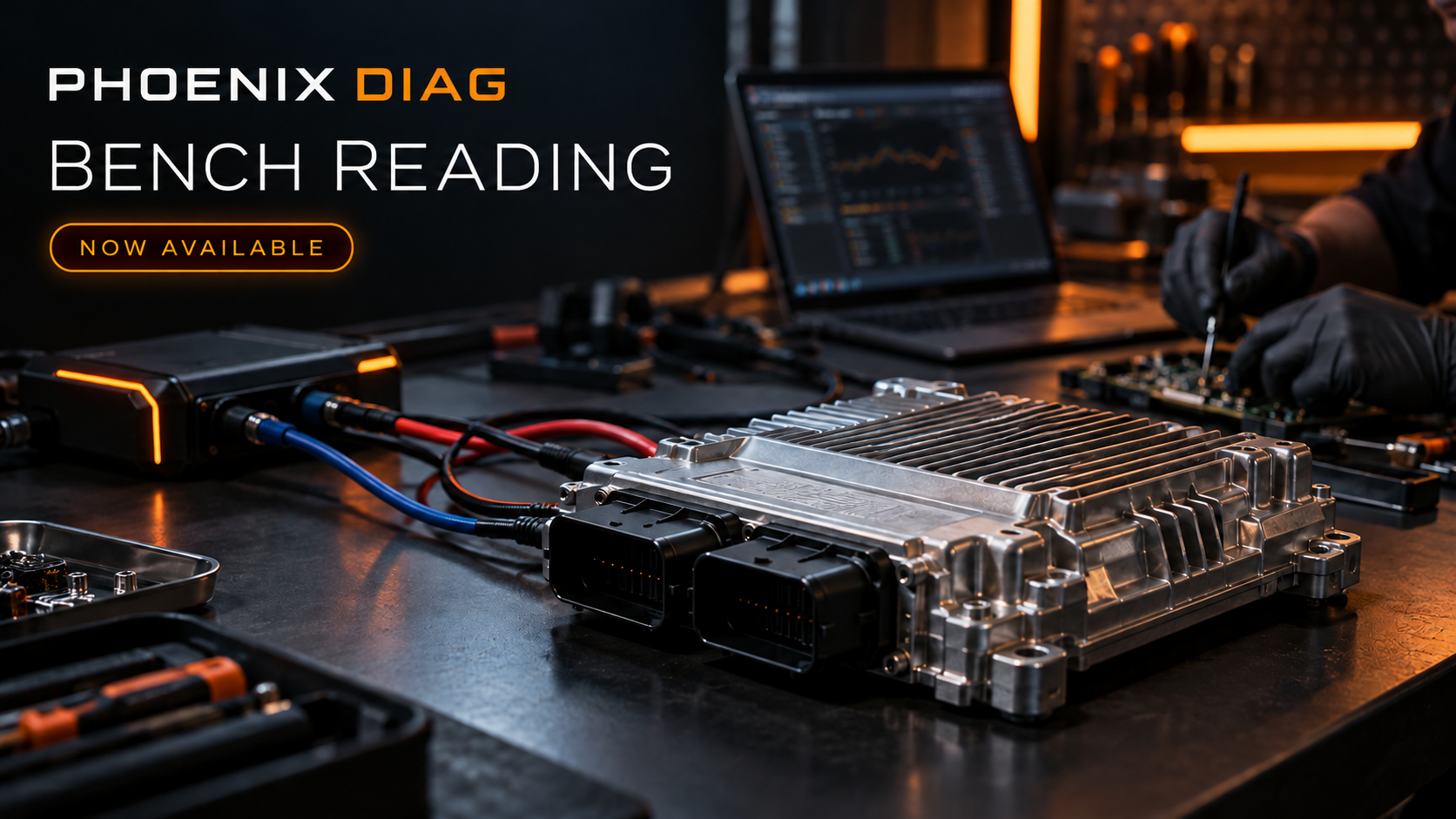
THE WORKSHOP TOOLKIT
Start with the essentials. Add the flash libraries and tools your workshop needs.
programmingText
remoteText
diagnosticsText
binaryText
languageText
emissionsText
V2 / V4 · ECU DATASET
Browse files by brand, control unit, hardware and MSW.
YOUR SETUP, YOUR WAY
A new license, another year, or extra tokens. Everything in one checkout.
Use demo customer ID DEMO-1001 to explore existing customer pricing.
The essential license. Your starting point for diagnostics and programming.
The features below are included in the base license. Work with Volvo Truck, Renault Truck, MACK, UD, PENTA, Volvo construction equipment and buses.
Connect to the vehicle with your own RP1210 adapter. Techtool is not required for connection.
View vehicle parameter values and adjust them to your needs.
Program control units using your compatible XML/TMP or .PhoenixPlusflash files.
View diagnostic trouble codes (DTCs) and clear vehicle fault records.
Perform the tests and calibration procedures available for post-2013 Volvo vehicles.
For pre-2013 Electrical Version 2 and Version 3 APCI ECUs, use XML/TMP files; these files can also be used with Techtool. For post-2013 Version 3 and Version 4 vehicles, use .PhoenixPlusflash files to program without Techtool. If you have Volvo Central access, you can save your files with Getflash.exe.
Important: ECU programming with the base license requires you to supply your own compatible files. Additional modules and operation tokens are purchased separately.
New customer? No customer ID is needed. After payment, the owner arranges your manual TeamViewer activation.
Renewal starts a new 360-day period on the payment day. Remaining days do not carry over. Unselected modules are not renewed.
Choose your server file accessServer file access
Select only the brands and tools you need.
Choose brand-specific server file access for post-2013 Electrical Version 3 and Version 4 vehicles.
During your subscription, download and program unlimited normal flash files for your licensed brand, including ECU programming/calibration files. Special files are excluded.
1. Connect to the vehicle: Flash Editor Plus lists available server files based on the selected ECU’s part numbers.
2. Select and program: Choose the appropriate file from the list and start ECU programming.
Choose brand-specific server file access for pre-2013 Electrical Version 2 vehicles. The library is continually updated with files for different chassis IDs.
During your Flash Editor Plus subscription, download and program unlimited available server files for your licensed brand. The library also includes options such as Euro2, Euro3, Noxoff, Adblueoff and Egroff.
Use Techtool too: Program your files through Techtool using PTT Mode.
Previously purchased modules use renewal prices. New additions use initial prices. Unconfirmed prices are unavailable.
Balances increase on fulfillment. Your desktop software deducts tokens after successful operations.
A token-only purchase keeps your existing license start and expiry dates.
Euro6 DPF/SCR/EGR tokens are not supported for US vehicles. Remote operations may also require remote tokens. Confirm vehicle compatibility before purchase.
FROM CONFIGURATION TO CONNECTION
Choose your license, modules and tokens in a single order.
New customers receive manual activation with the owner through TeamViewer.
Use a compatible RP1210 adapter and an internet connection.
The expiry shown for renewal is based on payment today. A payment completed on another day uses that day's date. New license dates are confirmed during manual activation.
DIRECT SUPPORT
Questions about compatibility or activation? Let's get your setup right.